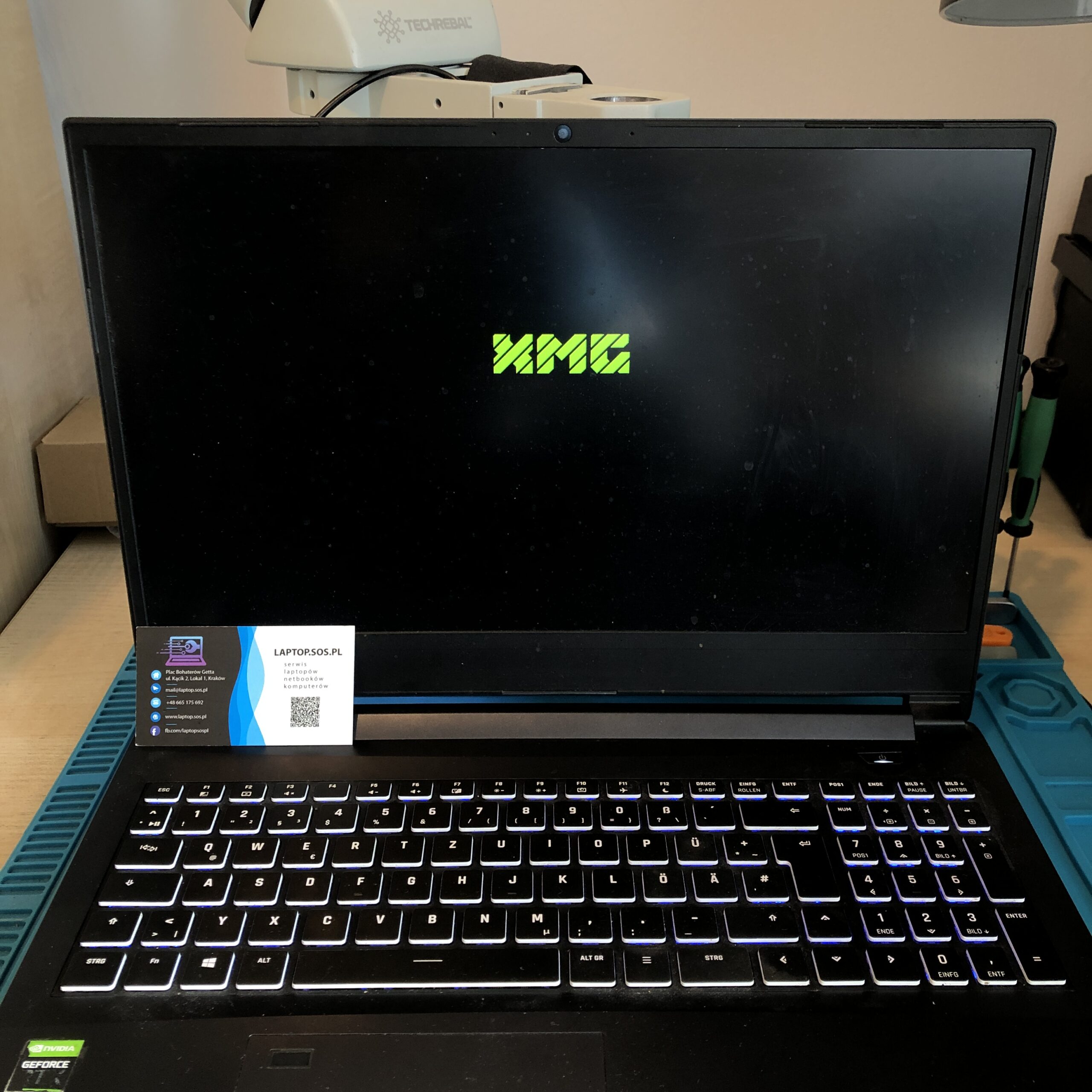
Cleaning the laptop cooling system in the XMG APEX 15 laptop
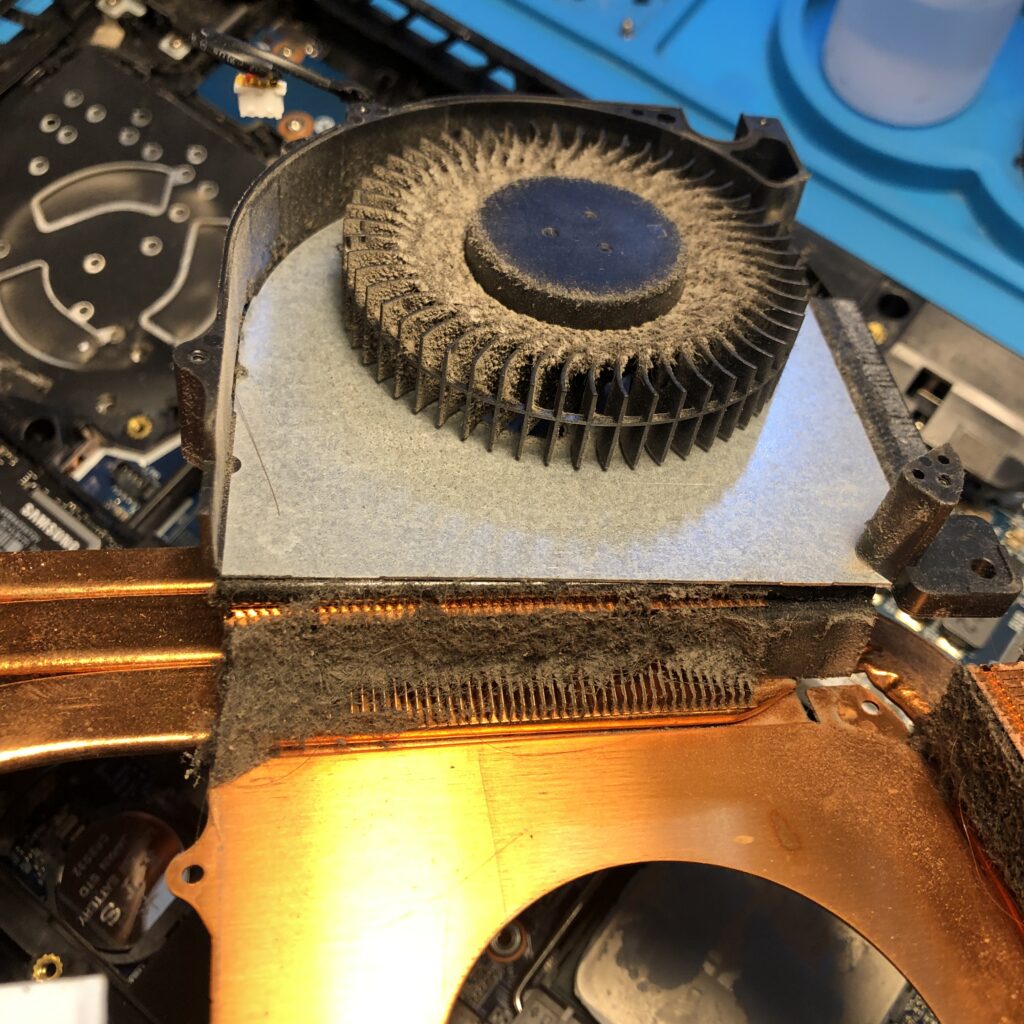
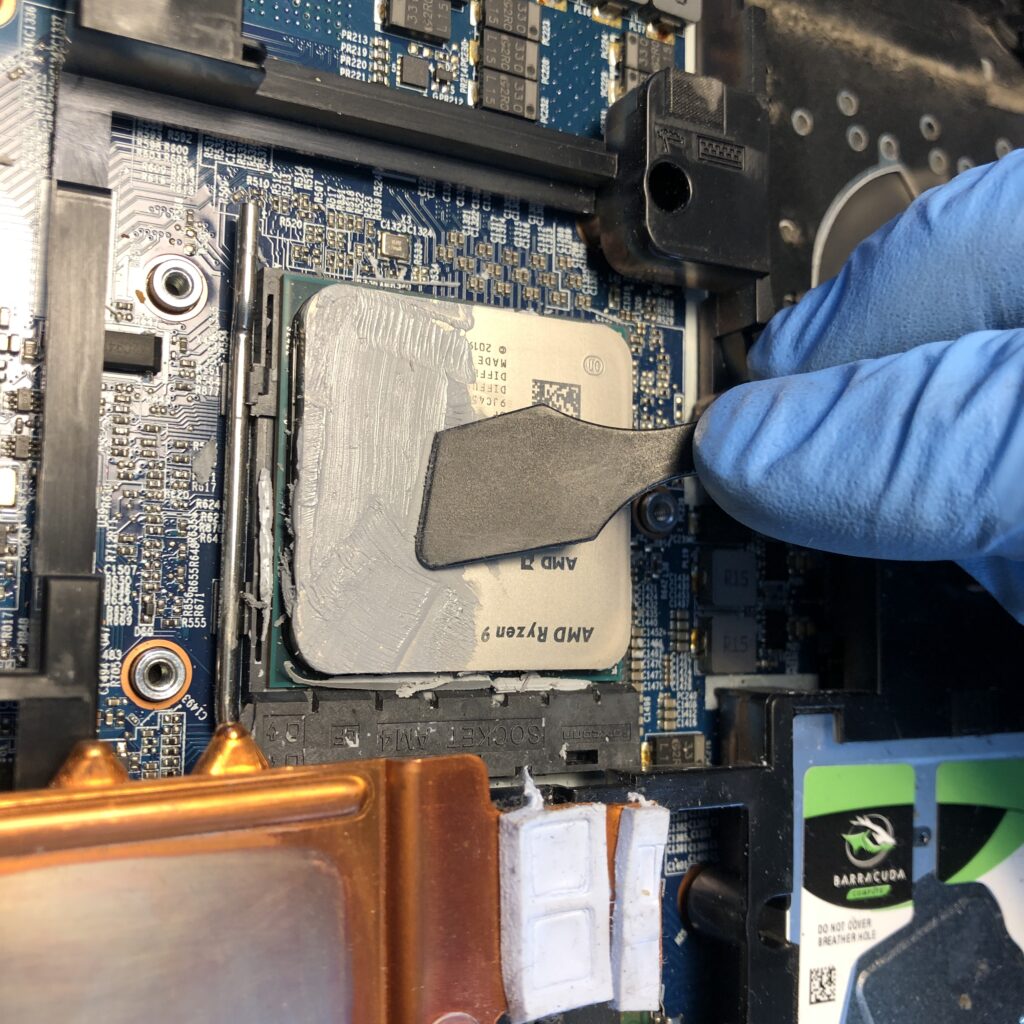
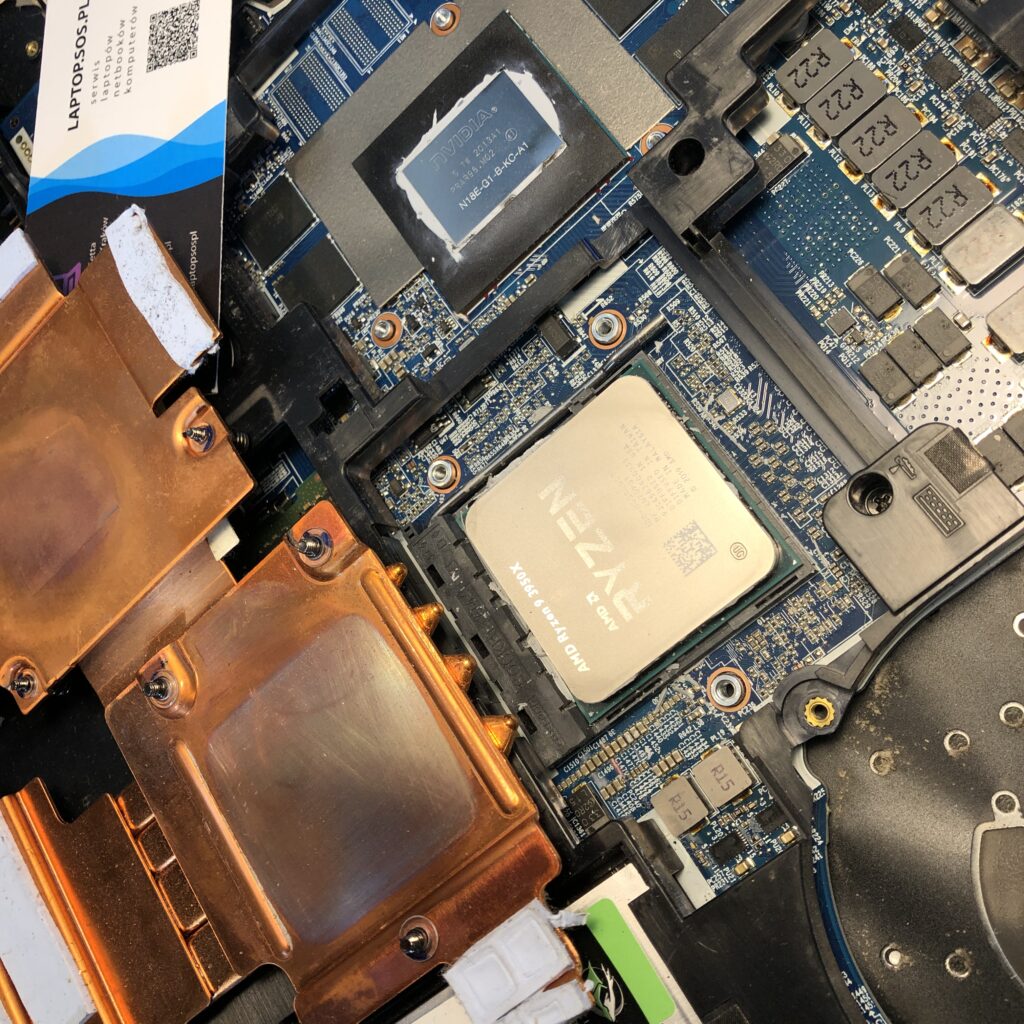
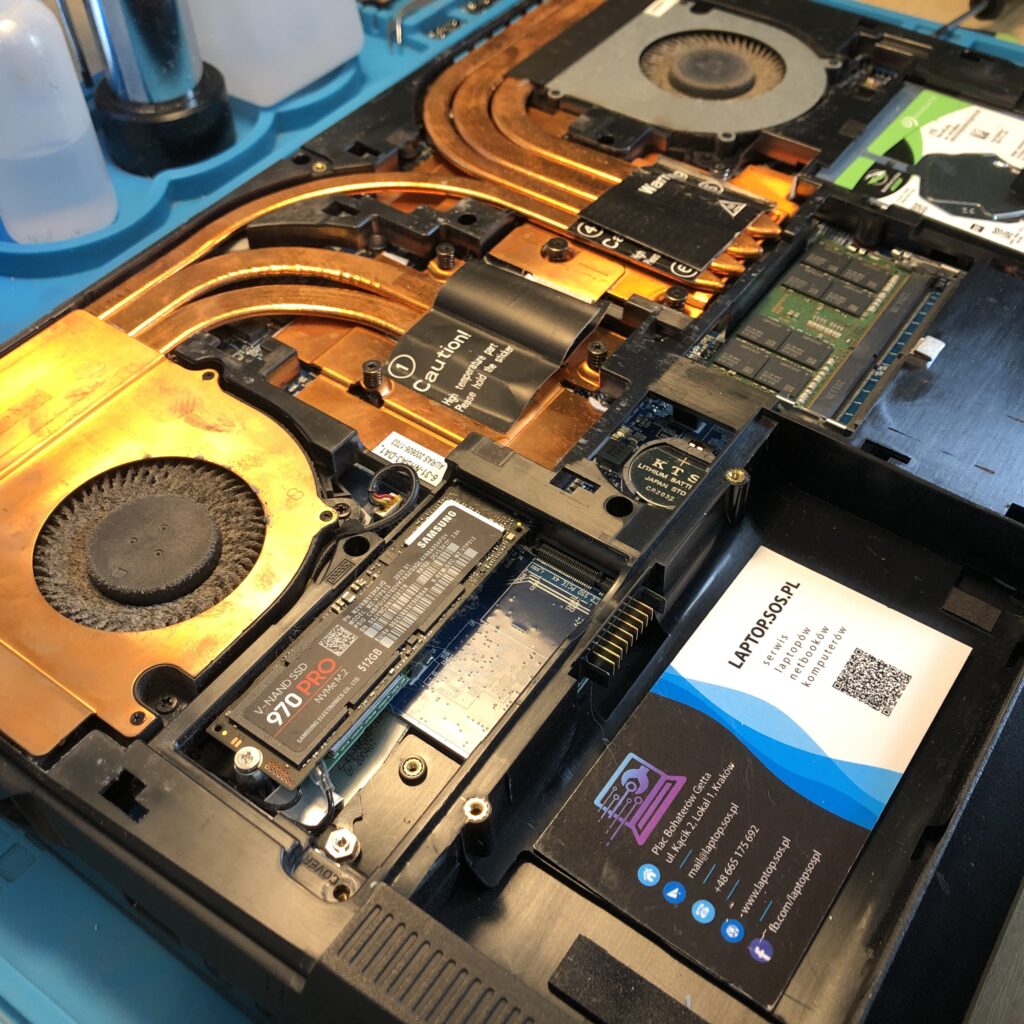
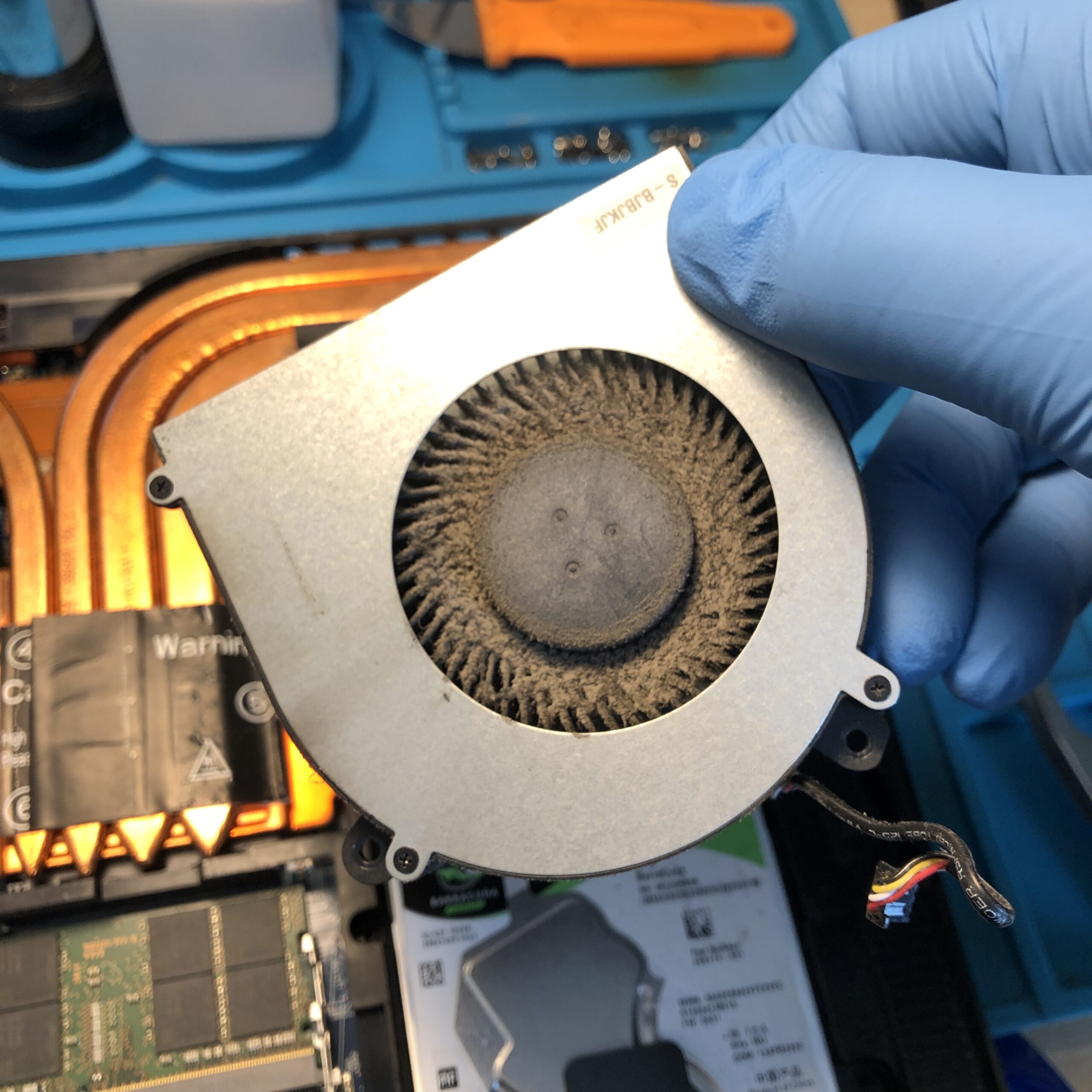
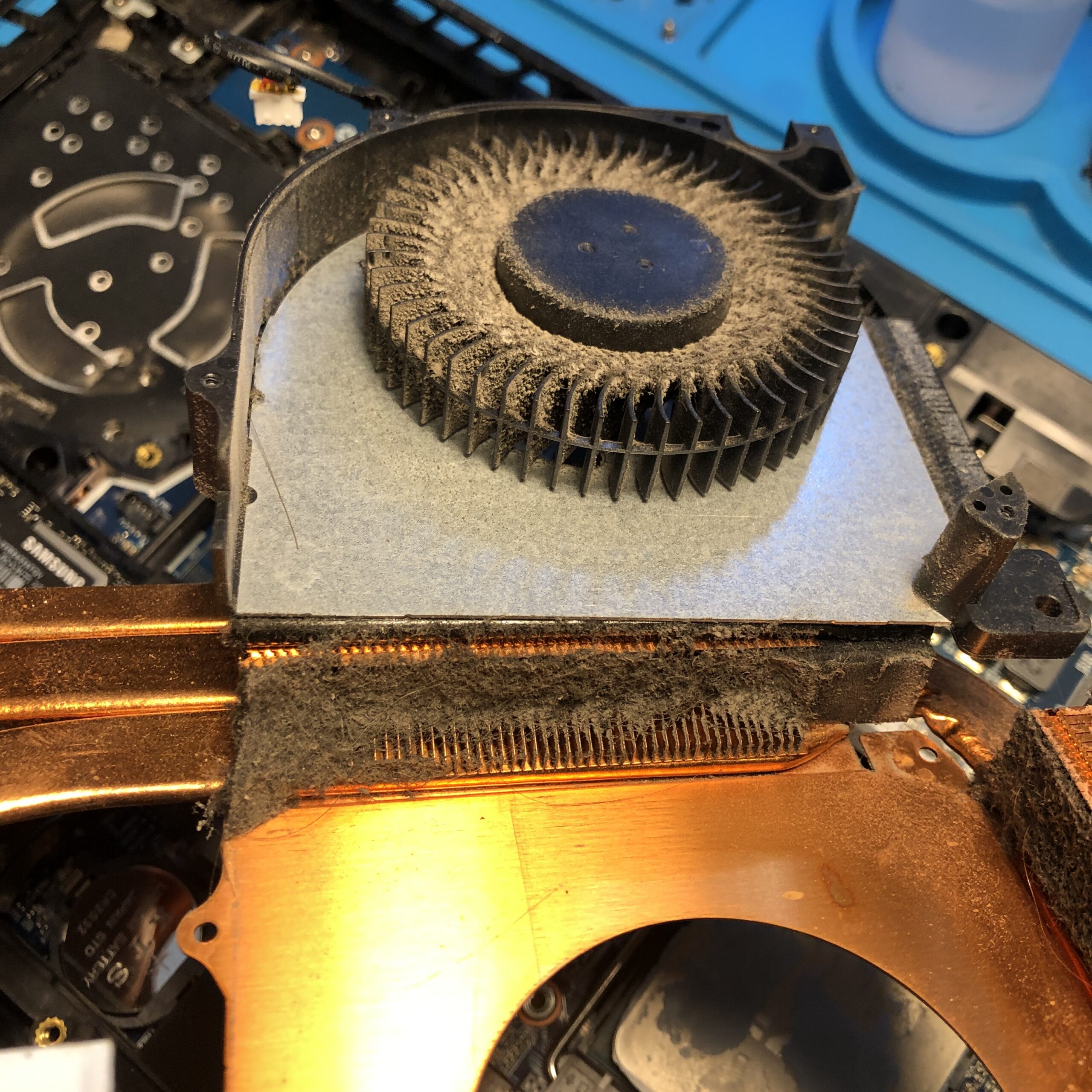
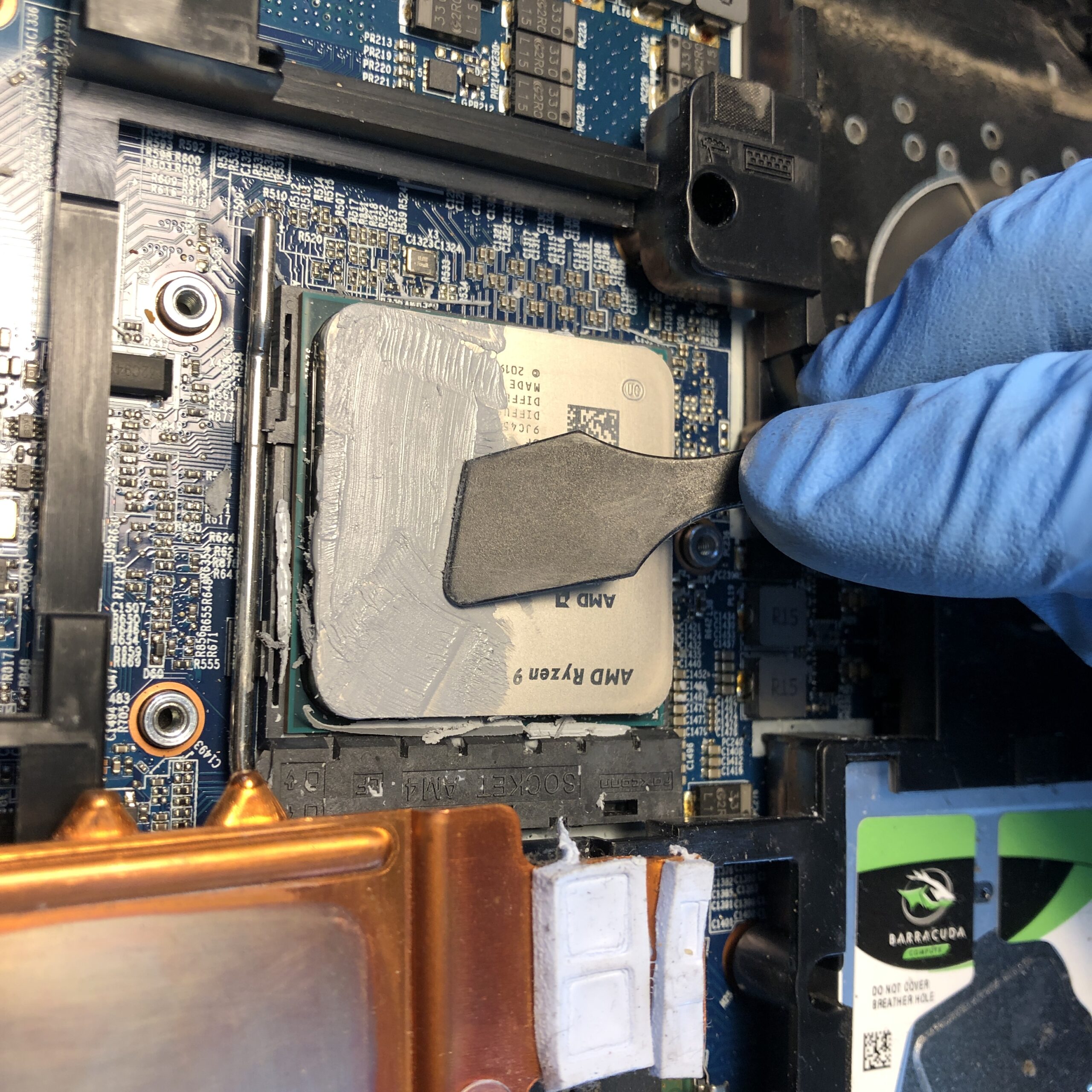
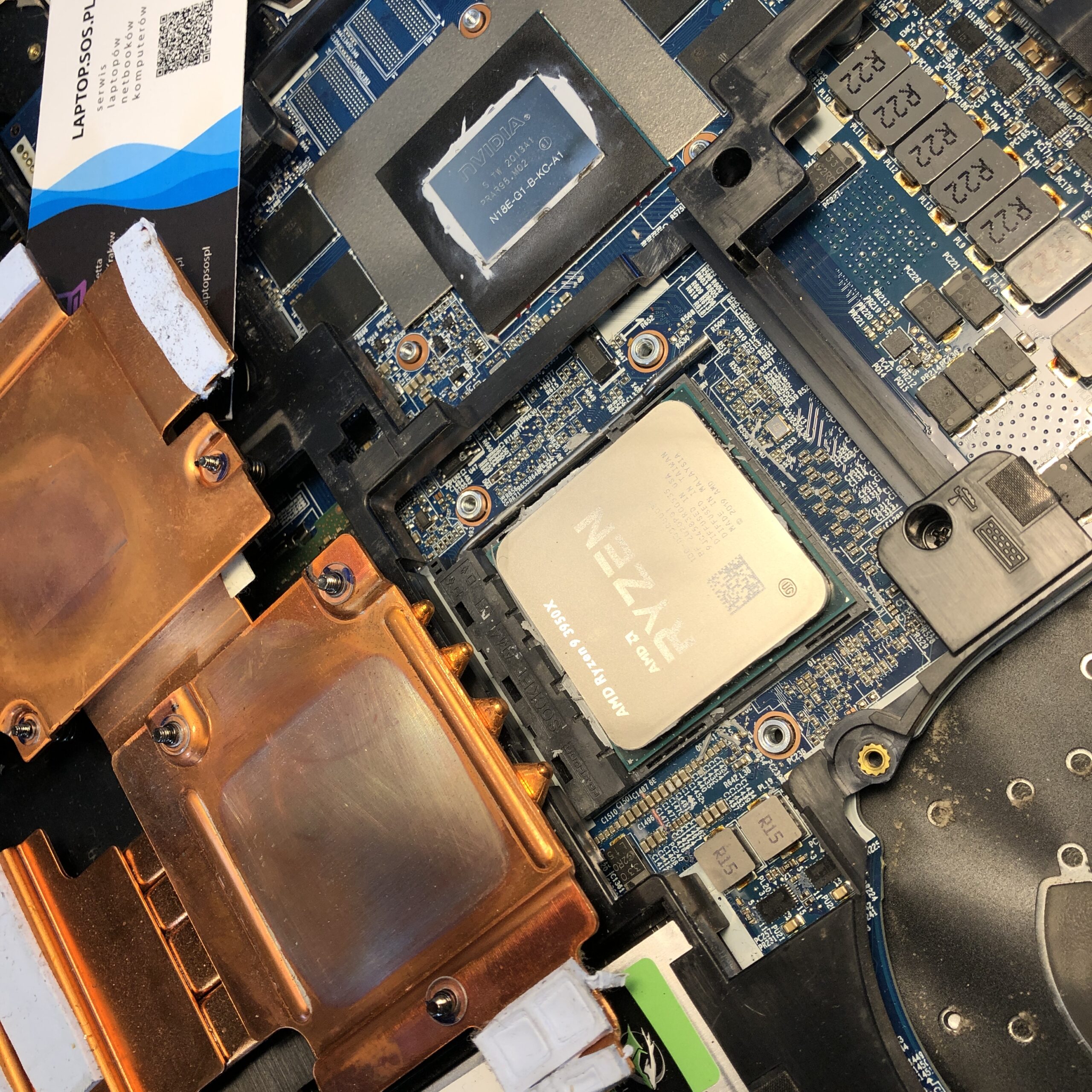
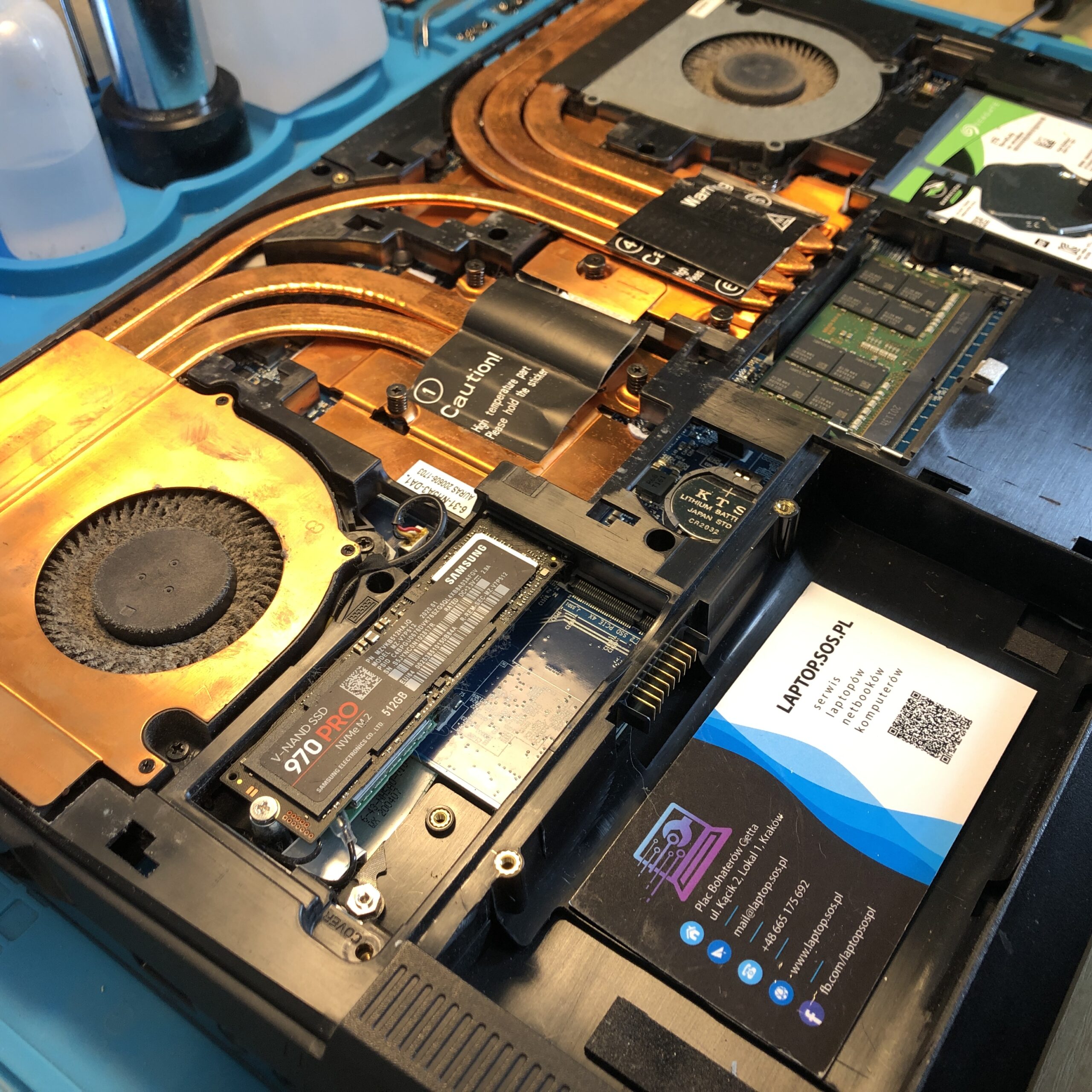
We received another laptop for service, a little-known manufacturer Schenker (laptop designation NH57ADS). The laptop’s cooling system was cleaned and the thermal paste was replaced.
Yes, replacing thermal paste and carrying out laptop maintenance is a task that we can perform in our LAPTOP SOS service by a computer repair specialist with extensive experience.
Symptoms that may indicate the need for laptop maintenance:
- Excessive heating – if your laptop heats up very quickly and strongly, it may be a sign that there is a lot of dust and dirt inside, which hinders the flow of air and leads to improper operation of the cooling system.
- Increased noise level – if during normal use you notice that the laptop is working loudly or making unusual sounds, this may mean that there is a lot of dust or other debris in the fan.
- Reduced performance – if you notice that your laptop is running slower than usual, or there is a decrease in performance during certain tasks, then this may be due to the accumulation of garbage inside the laptop.
- Power problems – If your laptop suddenly stops charging or the battery does not charge for a long time, this may be due to damage or malfunction of power-related components, which, in turn, may be due to lack of maintenance.
If any of these symptoms appear in the laptop, it is worth carrying out maintenance yourself or giving it to a service center so that specialists check the condition of the device and, if necessary, perform the necessary repairs.
If you are not confident in your abilities or you do not have the right tools, you should use the services of a professional service so as not to damage the laptop. The computer service will have the experience and tools necessary for safe and efficient operation. In addition, if your laptop is still in the warranty period, it is recommended to consult with the manufacturer to make sure that self-maintenance and replacement of thermal paste do not violate the warranty.
Here are a few steps you can take to maintain and replace the thermal paste on your laptop:
- Turn off the laptop and disconnect it from the network.
- Turn the laptop upside down and disconnect the battery.
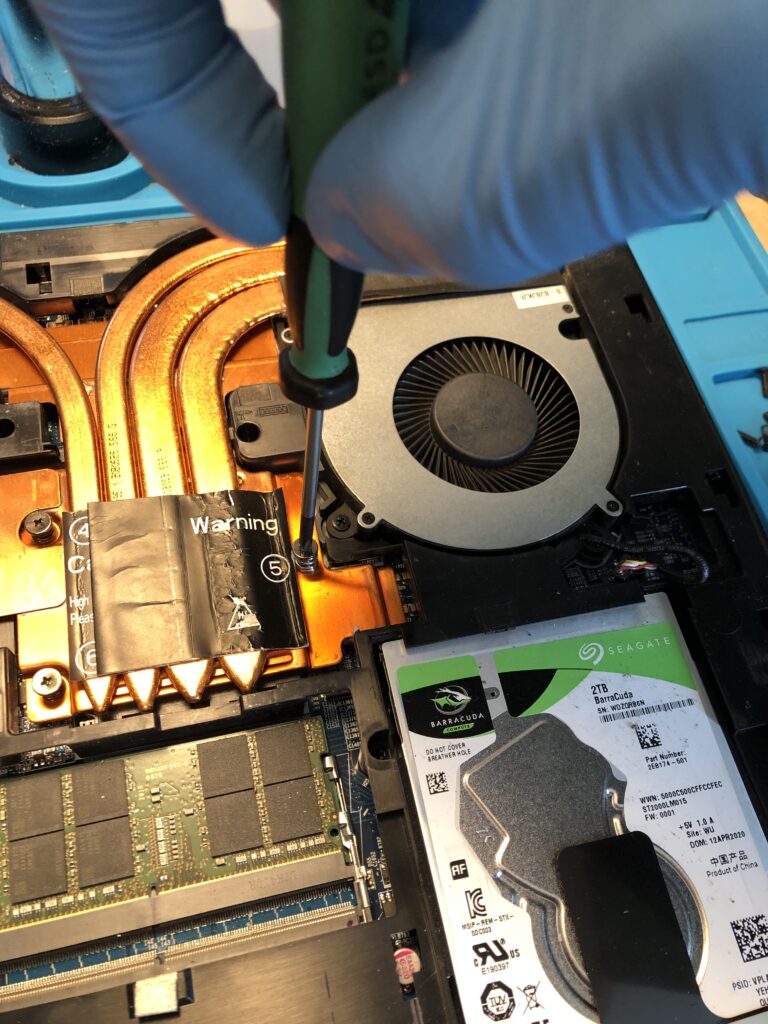
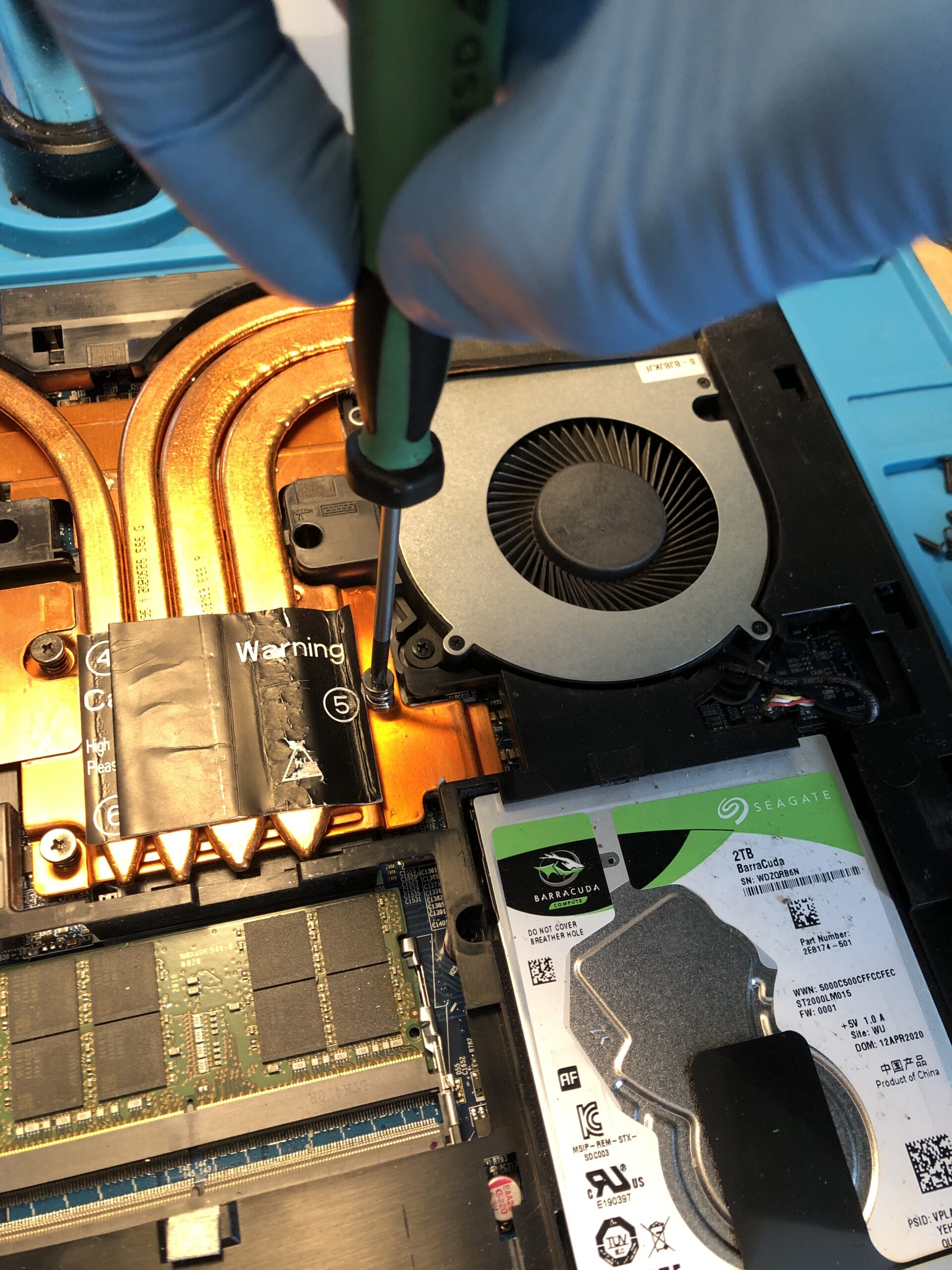
- Using a screwdriver of a suitable size, unscrew the screws holding the bottom cover and remove it.
- Remove the plugs of the wires that are connected to the hard disk, RAM and other components. Be sure to delete RAM carefully and carefully.
- Remove the cooling that covers the processor and video card.
- Removing the cooling usually requires unscrewing several screws. Do not forget to disconnect the plug wires from the cooling.
- Apply thermal paste to the processor and video card. Use only a small amount of paste (approx. grain size of rice) to avoid excessive spread of paste throughout the processor.
- Put the laptop back together. Make sure that all the wires are in place and the screws are tightened.
- Plug in the battery and turn on the laptop. Check if everything is working correctly.
These are general tips for replacing thermal paste in a laptop. There may be several specific instructions for XMG APEX 15 Schenker NH57ADS that should be considered, depending on the model and manufacturer. In this case, it is worth looking at the user manual or giving the laptop for service.